Projects, blocks & libraries
Keep design projects and their blocks, libraries and data in a consistent, versioned workspace.
 DeepDataFlowCHIP DESIGN AI PLATFORM
A local control center for digital implementation: organize projects, blocks, libraries and design data, launch open-source EDA flows from RTL to signoff, and compare results in a browser on your Linux workstation.
No install step · Bundled EDA tools & PDKs · Data stays on your machine
# 1. Download and extract (~530 MB)
$ wget https://github.com/DeepDataFlow/G2/releases/download/v1.0.0/G2_v1.0.0.tar.gz
$ tar zxvf G2_v1.0.0.tar.gz

# 2. Create and initialize a workspace
$ mkdir g2 && cd g2
$ ../G2_v1.0.0/g2/bin/g2init

# 3. Load the environment and start G2
$ source g2.rc
$ g2
localhost URL in Firefox.Watch the 3-min install ↗G2 brings project organization and flow execution into a browser-based interface. Follow implementation progress, inspect design data and compare outcomes across runs, all from your Linux workstation.

gcd compared in the Impl Status view: floorplan, die size, density, runtime and timing for each scenario, side by side.Keep design projects and their blocks, libraries and data in a consistent, versioned workspace.
Use the bundled toolchain to run complete flows: synthesis, floorplan, place, CTS, route and signoff timing.
Compare runs side by side, including floorplan, die size, density, runtime and timing.
An AI assistant built into G2 for working with chip design flows. See it in action ↗
The Community Edition ships with Tcl and Node.js runtimes, open-source EDA tools, three PDKs and ready-to-run demo cases. There is nothing to install system-wide.
Bundled OpenROAD, Yosys and Verilator need glibc 2.35+.
G2 uses a few standard command-line tools. On Ubuntu:
One script sets up the gcd and spm blocks used in the tutorials. Also available for sky130 and asap7.
The Getting Started series goes from download to a routed block with signoff timing in about 27 minutes. Watch the full playlist ↗
 1:13
1:13 3:07
3:07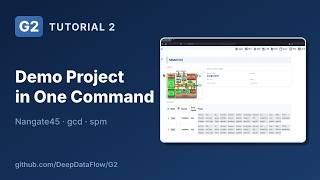 3:55
3:55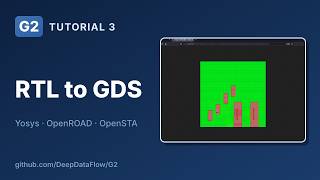 6:16
6:16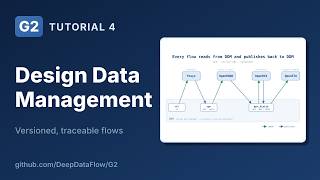 2:26
2:26 4:15
4:15 2:19
2:19 3:09
3:09Read the documentation, review requirements and get the quick-start steps on GitHub. Want a complete project? Try the sky130 demo.